
SEO can feel overwhelming because there is always something else you could do. The trick is doing the right things in the right order. This checklist walks a small business website through SEO step by step, from basic setup to tracking results.
Work through it section by section. Most items are free and many can be done in an afternoon.

1. Setup
- Your website uses HTTPS (a padlock in the browser).
- Google Search Console is set up and your domain is verified.
- Your XML sitemap is submitted in Search Console.
- Google Analytics 4 is installed and tracking enquiries.
- An SEO plugin (such as Yoast on WordPress) is installed, or your platform’s SEO settings are configured.
2. Keyword research

- List every service you offer and the areas you serve.
- Write down how customers describe those services (their words, not industry jargon).
- Use Google’s autocomplete and “People also ask” to find real questions.
- Check search volume and competition with Keyword Planner or an SEO tool.
- Assign one main keyword to each page, so pages do not compete with each other.
3. On-page SEO
- Each page has a unique title tag with its main keyword (around 50 to 60 characters).
- Each page has a unique meta description that encourages clicks.
- Each page has one H1, with H2s and H3s organising the content.
- The main keyword appears naturally in the first paragraph.
- Content fully answers what the searcher wants to know.
- Images have descriptive file names and alt text.
- Pages link to related pages on your site.
- URLs are short and readable.
New to these terms? Read on-page vs off-page SEO explained.
4. Technical SEO
- Your important pages are indexed (check the Pages report in Search Console).
- Thin, duplicate or junk pages are noindexed, merged or removed.
- Pages load quickly on mobile (test with PageSpeed Insights).
- The site works well on phones.
- There are no broken links or 404 errors on important pages.
- Old URLs redirect to the right new pages.
- Structured data (such as LocalBusiness, FAQ or Product) is added where relevant.
Need to speed things up? See how to speed up WordPress.
5. Local SEO
- Google Business Profile is claimed, verified and complete.
- Your name, address and phone number match everywhere.
- Service and location pages exist for your main services and areas.
- You ask every happy customer for a Google review.
Our local SEO checklist covers this in depth.
6. Content
- Each main service has its own detailed page.
- You publish helpful articles that answer customers’ questions.
- Older content is reviewed and updated.
- Every article links to the relevant service page.
Not sure how much to publish? See how many blog posts per month you need for SEO.
7. Links and authority
- Your business is listed in relevant directories and associations.
- You have earned links from suppliers, partners and local organisations.
- You avoid paid link schemes.
8. Tracking and review
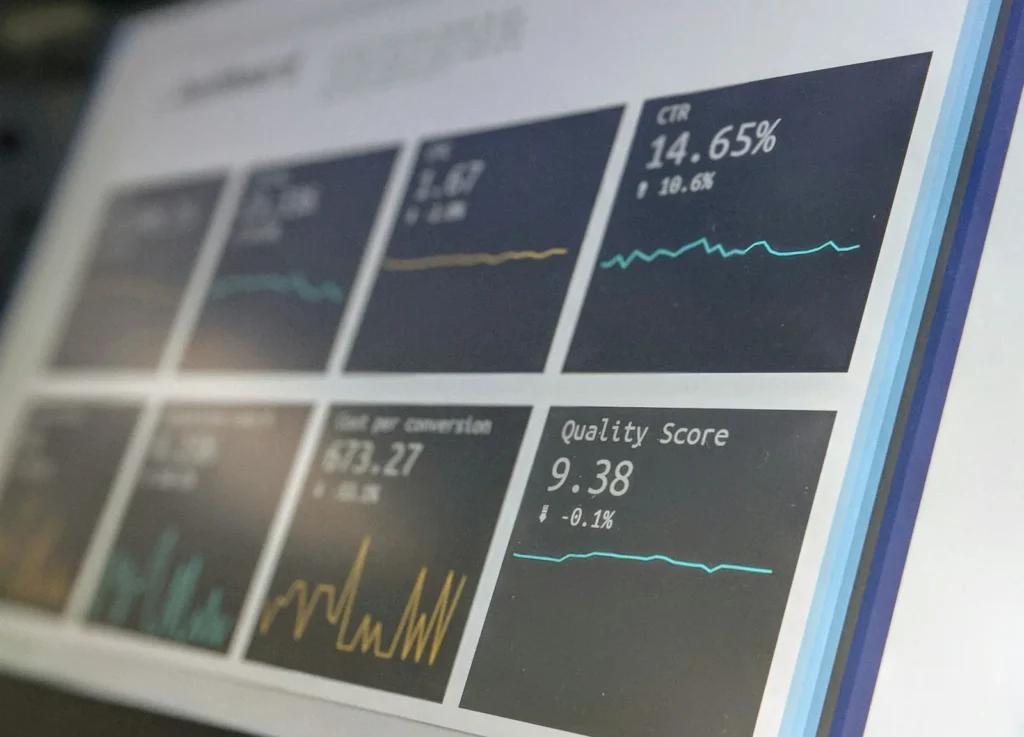
- Check impressions, clicks and average position in Search Console monthly.
- Track enquiries, calls and sales from organic search.
- Improve pages that rank on page two first.
- Run through this checklist again every few months.
Expect results to build over months, not days. Read how long SEO takes for a realistic timeline.
Using WordPress?
Most of these steps can be done directly in WordPress with an SEO plugin. Our step-by-step guide on how to do SEO on a WordPress website shows where each setting lives.
Want us to run through this checklist for you?
TechPater will audit your website against every item here and give you a prioritised plan, or handle the work for you each month.
Frequently asked questions
What should be on an SEO checklist for a small business?
Setup (Search Console, Analytics, sitemap), keyword research, on-page SEO, technical checks, local SEO, content, links and monthly tracking.
How do I do SEO for my website step by step?
Set up Search Console and Analytics, research keywords, assign one keyword per page, optimise titles, headings and content, fix technical issues, set up local SEO, publish helpful content and track results.
Can I do SEO myself?
Yes. Many steps on this checklist are free and simple. An agency can help with time-consuming tasks like content, technical fixes and link building.
How often should I check my website’s SEO?
Check Search Console monthly and run through the full checklist every few months or after major website changes.
What is the most important SEO step for a small business?
Making sure your important pages are indexed and clearly match what customers search for. Without that, nothing else can work.