
When people choose where to eat, they often look at Google Maps first: the star rating, the number of reviews and what recent diners said. A steady flow of fresh reviews can be the difference between a full room and an empty one.
The good news is that most happy diners are willing to leave a review. They just need a reminder at the right moment and an easy way to do it. Here is how restaurants and cafes can get more Google reviews, without breaking Google’s rules.

Why Google reviews matter so much for restaurants
- Diners compare options quickly on their phones, often while standing in the street.
- Reviews help your local ranking. Review count, rating and recency are among the signals Google uses for local results.
- Recent reviews build confidence that the food and service are good now, not years ago.
- Reviews mention dishes, which helps you appear for searches like “best ramen in Haymarket”.
Step 1: Get your review link and QR code
In your Google Business Profile, choose the option to ask for reviews and copy your short review link. Turn it into a QR code so diners can scan it with their phone camera and go straight to the review form. For the full setup, see our guide on how to get more Google reviews.
Step 2: Ask in the venue
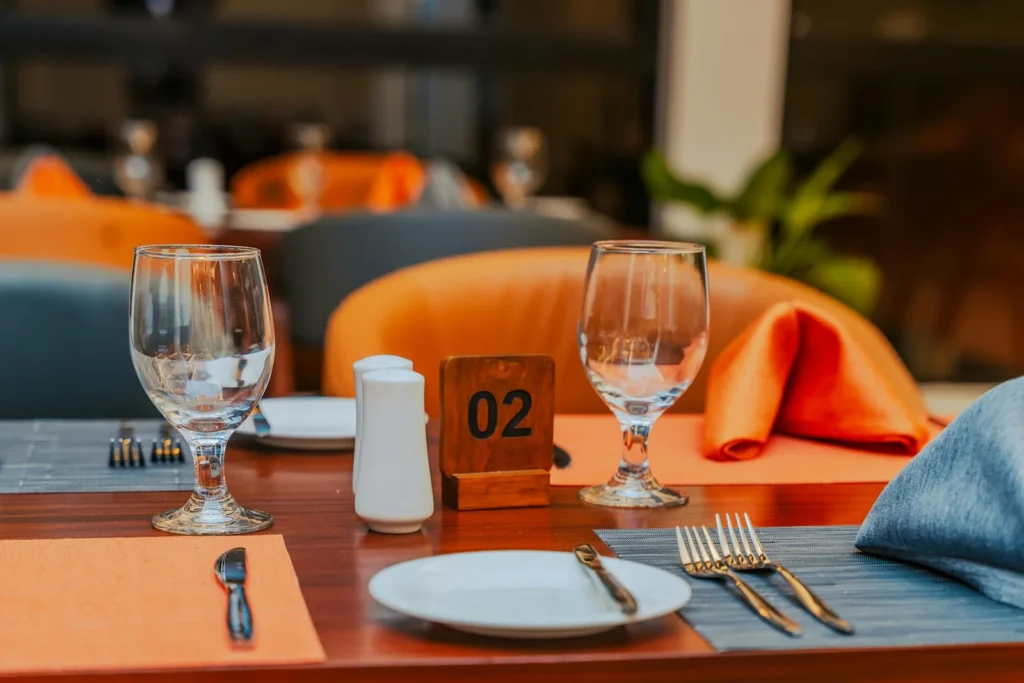
- Table cards or stands with a QR code and a short line such as “Enjoyed your meal? We’d love a Google review.”
- On the bill folder or receipt, the moment diners are thinking about their experience.
- At the counter or pickup area for takeaway and cafe customers.
- On menus, in a small corner that does not distract from the food.
Step 3: Train staff to ask naturally
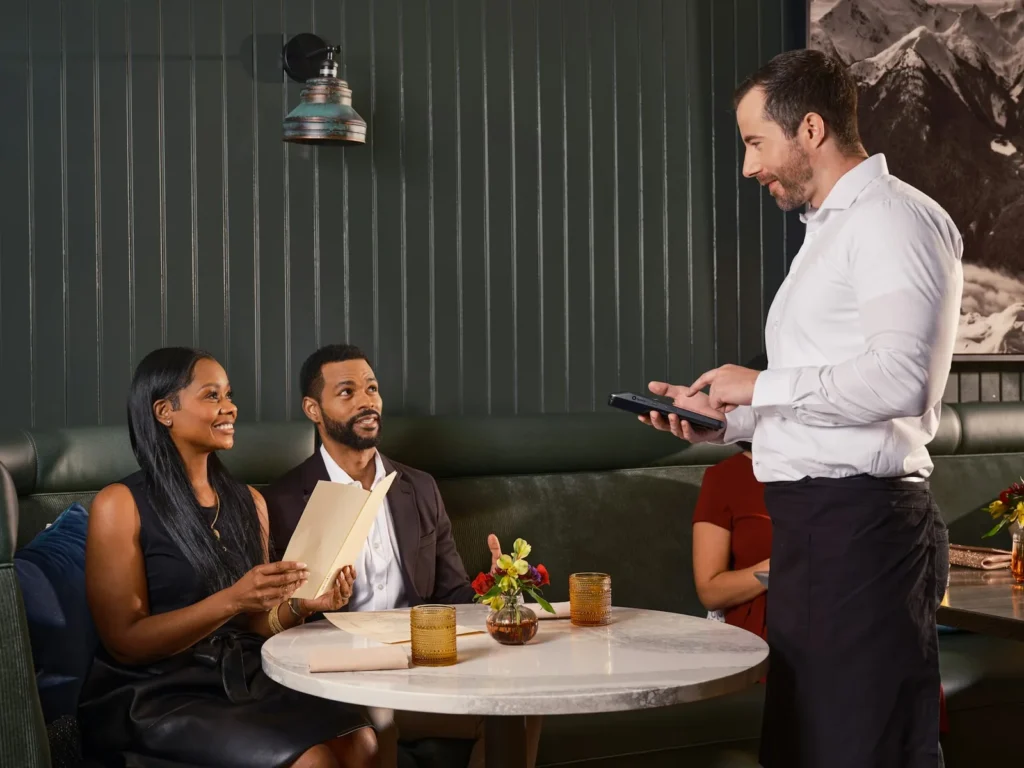
A friendly personal ask works better than any sign. When a diner says they loved the meal, staff can reply with something like:
“Thank you, that’s lovely to hear! If you have a moment, a quick Google review really helps us. There’s a QR code on the table.”
- Ask when guests give positive feedback, not as a script for every table.
- Keep it short and never pressure anyone.
- Thank the team when reviews mention them by name.
Step 4: Follow up with online diners
- Booking confirmations: add a review link to the follow-up email after a reservation, if your booking system allows it.
- Direct online orders: include a review request in the order confirmation or follow-up message.
- Your website and social media: add a “Review us on Google” link, and occasionally share a favourite review with a thank-you.
Make sure your website and profile are easy to use on a phone; see our cafe website design guide.
The rules: what not to do
Google’s review policies are strict, and breaking them can lead to reviews being removed or restrictions on your profile. Do not:
- Offer anything in return for a review, such as a free drink, dessert or discount.
- Ask only happy customers while steering unhappy ones away (sometimes called review gating).
- Write reviews yourself or ask staff, family or friends to review your business.
- Buy reviews or use services that post them for you.
- Set up a review station where guests post reviews on your own device in the venue.
The ACCC also publishes guidance for Australian businesses on online reviews, which is worth reading.
Step 5: Reply to every review
- Positive reviews: thank the diner and mention something specific, such as the dish they loved.
- Negative reviews: stay calm, apologise for the experience, explain briefly what you are doing about it and invite them to contact you directly.
- Reply within a few days so future diners see you care.
Reviews not appearing on your profile? Read why your Google Business Profile is not showing reviews.
Make the most of your Google Business Profile
- Accurate opening hours, including public holidays
- A link to your menu and online ordering or bookings
- Fresh photos of dishes, drinks and your space
- The right primary category, such as “Thai restaurant” or “Cafe”
- Regular updates about specials and events
Our Google Business Profile optimisation guide covers each setting.
Want more diners finding you on Google?
TechPater helps restaurants and cafes optimise their Google Business Profile, build a review strategy and rank higher in local search.
Frequently asked questions
How can my restaurant get more Google reviews?
Use QR codes on table cards and receipts, train staff to ask happy diners naturally, add review links to booking and order follow-ups, and reply to every review.
Can I offer a free drink or discount for a Google review?
No. Google’s policies do not allow offering incentives for reviews, and doing so can lead to reviews being removed.
Should I reply to negative restaurant reviews?
Yes. A calm, polite reply that apologises and offers to fix the issue shows future diners that you care about their experience.
Can my staff leave reviews for the restaurant?
No. Reviews from staff, owners, family or friends break Google’s policies and can be removed.
How do I create a QR code for Google reviews?
Copy your review link from your Google Business Profile, then turn it into a QR code with a QR code generator and print it on table cards or receipts.