
A customer tells you they left a review, but you cannot see it. Or reviews that were on your profile last month have disappeared. It is frustrating, especially when you worked hard to earn them.
There are several reasons why a Google Business Profile might not show reviews. Most have a clear cause and a sensible next step. Here is how to work out what is happening.

- First, work out which problem you have
- 1. The review is still being processed
- 2. Google’s spam filter held it back
- 3. The review broke Google’s policies
- 4. The review was left on a different listing
- 5. Your profile is unverified, suspended or under review
- 6. Google has paused new reviews
- 7. Problems on the reviewer’s side
- What to do: a quick checklist
- How to prevent missing reviews
- FAQ
First, work out which problem you have
| What you see | Most likely causes |
|---|---|
| One customer’s new review is missing | Delay, spam filter, or the review was posted to a different listing |
| Several older reviews disappeared | Policy removals, or a spam clean-up by Google |
| No reviews show at all | Profile not verified, suspended, or a temporary display issue |
| A notice about unusual review activity | Google has detected suspicious reviews and limited new ones for a while |
1. The review is still being processed
New reviews do not always appear straight away. Google checks reviews for spam and policy issues, which can take some time. If the review is only a day or two old, wait before doing anything else.
2. Google’s spam filter held it back
Google automatically filters reviews that look suspicious. Genuine reviews can sometimes be caught too, for example when:
- Many reviews arrive in a short burst, such as after a single promotion.
- Reviews are posted from the same device or Wi-Fi network as the business.
- The reviewer’s account is brand new or has no other activity.
- The text contains links, phone numbers or repeated wording.
Often the reviewer can still see their review in their own account while other people cannot. Ask customers to review from their own phone, on their own connection, and spread review requests out over time.
3. The review broke Google’s policies
Google removes reviews that break its policies, including fake reviews, reviews from staff or owners, reviews that were incentivised, off-topic content, offensive language and conflicts of interest. If you offered discounts or gifts for reviews, those reviews may be removed, and it can affect your profile.
Google provides a review management tool where you can check the status of reviews you have reported and, in some cases, appeal decisions. Use it rather than asking customers to post the same review again and again.
4. The review was left on a different listing
If there is a duplicate or old listing for your business, customers may be reviewing that one instead. Search for your business name on Google Maps and check for duplicates, then follow Google’s process to report or merge them. Our guide to why a business is not showing on Google Maps covers duplicates in detail.
5. Your profile is unverified, suspended or under review
If your profile is not verified, has been suspended, or has recent edits under review, reviews may not show normally. Sign in to your Business Profile and check for notices or warnings first.
6. Google has paused new reviews
When Google detects unusual review activity, such as a wave of fake reviews, it can temporarily stop new reviews from being posted and show a notice on the profile. This can happen even when the business did nothing wrong, for example during an attack of fake negative reviews. Report the suspicious reviews and wait for the restriction to end.
7. Problems on the reviewer’s side
- They did not finish posting the review.
- Their account has been restricted by Google.
- They deleted or edited the review.
Ask the customer to check the reviews section of their Google Maps contributions to see whether it is still there.
What to do: a quick checklist
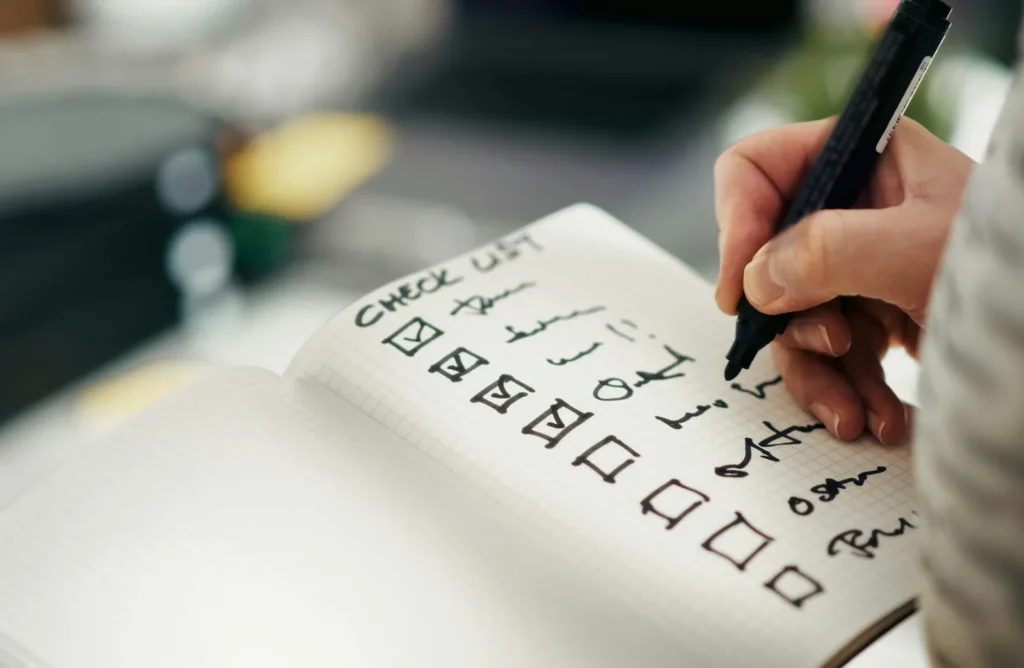
- Wait a few days for new reviews to appear.
- Check your Business Profile for warnings, suspensions or edits under review.
- Search Google Maps for duplicate listings.
- Ask the reviewer to confirm the review is still in their account.
- Use Google’s review management tool to check reported reviews or appeal removals.
- Review how you ask for reviews: no incentives, no in-store review devices, no bursts.
- If the problem continues, contact Google Business Profile support.
How to prevent missing reviews
- Ask every happy customer, steadily over time, rather than all at once.
- Share your review link so customers post from their own devices.
- Never offer rewards for reviews or ask staff to review you.
- Reply to reviews so customers know they are seen.
For ideas that follow the rules, read how to get more Google reviews and, for hospitality businesses, how to get more Google reviews for your restaurant.
Still missing reviews?
TechPater will check your Google Business Profile, find out why reviews are not showing and recommend what to fix. The audit is free.
Frequently asked questions
Why is my Google review not showing?
It may still be processing, it may have been caught by Google’s spam filter, it may have broken a review policy, or it may have been posted to a different listing for your business.
How long do Google reviews take to appear?
Many appear quickly, but some take longer while Google checks them. If a review is missing for more than a few days, look into the other causes.
Why did my old Google reviews disappear?
Google may have removed reviews it found to break its policies, such as fake, incentivised or conflict-of-interest reviews, or reviews from accounts it has since restricted.
Can I get a removed Google review back?
In some cases you can use Google’s review management tool to check its status and appeal. The reviewer cannot usually restore a review Google has removed for a policy breach.
Can I see filtered reviews on my Google Business Profile?
Not usually. A filtered review may still be visible to the person who wrote it while being hidden from everyone else.