
Instagram can bring real customers to a small business, but only if you use it with a plan. Posting a photo now and then and hoping for the best rarely works.
These 15 Instagram tips are written for busy owners of cafes, salons, trades, shops and service businesses. They focus on what helps people find you, trust you and get in touch. Instagram changes its features often, so treat menu names as a guide.
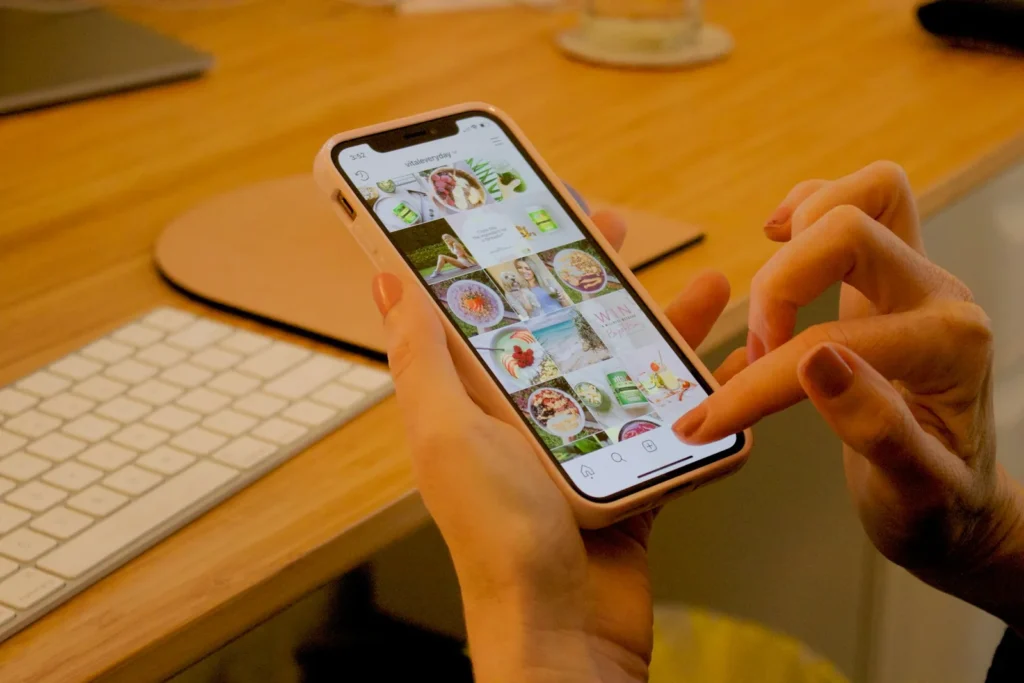
Set up your profile properly (tips 1 to 4)
- 1. Use a professional account. Switching to a business or creator account gives you insights, contact buttons and the option to run ads.
- 2. Make your name field searchable. The name field (not just the username) can appear in Instagram search, so include what you do, for example “Mia’s Bakery | Cakes Newtown”.
- 3. Write a clear bio. Say what you offer, who it is for and where you are, then add one call to action such as “Book online below”.
- 4. Add contact buttons and a link. Use the call, email or directions buttons, and link to your website or booking page rather than a cluttered list of links.
Create content people want to see (tips 5 to 9)
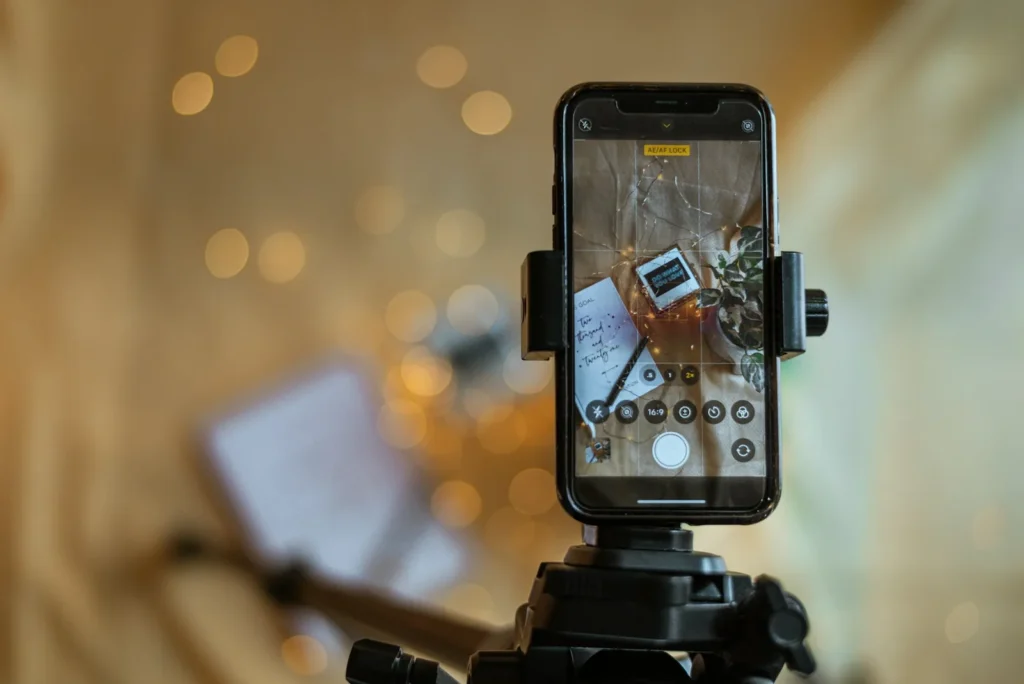
- 5. Use Reels to reach new people. Short vertical videos are one of the main ways Instagram shows accounts to people who do not follow them yet. Behind-the-scenes clips, quick tips and before-and-after videos work well.
- 6. Hook viewers in the first seconds. Start with the result, a question or a bold visual, not a logo.
- 7. Show real people and real work. Your team, your space and your customers’ results (with permission) build more trust than stock images.
- 8. Write useful captions. Add context, answer a question or tell a short story, and end with a clear next step. Put important keywords in the caption, because Instagram search reads text as well as hashtags.
- 9. Use carousels for tips and guides. Swipeable posts are good for step-by-step advice, price explainers and “before you book” information.
Use Stories to stay front of mind (tips 10 and 11)
- 10. Post Stories regularly. Stories are where your followers see daily updates: specials, availability, new stock and quick polls.
- 11. Save your best Stories as Highlights. Create Highlights for services, prices, reviews, FAQs and location, so new visitors can learn about you quickly.
Get found by local customers (tips 12 and 13)
- 12. Tag your location on posts and Reels, and mention your suburb in captions.
- 13. Use a few relevant hashtags. Choose specific ones that describe the post and your area, such as #sydneybakery or #innerwestcafe, rather than huge generic tags.
Instagram works best alongside a strong Google Business Profile, because many locals check Google before they visit.
Build good habits (tips 14 and 15)
- 14. Be consistent rather than constant. A realistic schedule you can keep is better than posting every day for two weeks and then stopping. See how often to post on social media.
- 15. Reply to comments and messages quickly. Conversations are often where enquiries turn into bookings, and engagement helps your posts reach more people.
How to measure what is working
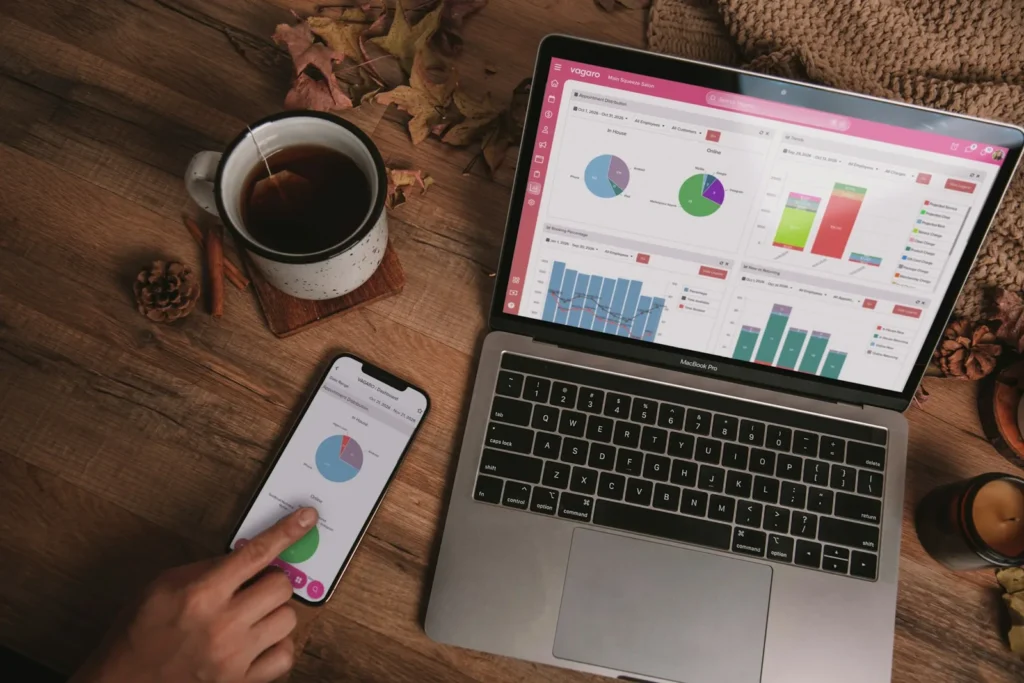
Likes feel good, but they do not pay the bills. In your account insights, check:
| Metric | What it tells you |
|---|---|
| Reach | How many different accounts saw your content |
| Shares and saves | Whether people found the content worth keeping or passing on |
| Profile visits and link taps | Whether content makes people want to learn more |
| Messages and calls | Real enquiries from Instagram |
Ask new customers how they found you, and add UTM tags to your bio link so website visits from Instagram show up clearly in Google Analytics.
Common Instagram mistakes
- Buying followers or using engagement groups.
- Posting only sales messages.
- Ignoring comments and DMs.
- Using dozens of unrelated hashtags.
- No clear way to book, buy or contact you.
Not sure Instagram is the right platform for you? Read Facebook vs Instagram for business, or get ideas for your other channel in Facebook post ideas for small business.
Want Instagram handled for you?
TechPater plans, creates and publishes Instagram content for small businesses, with monthly reporting on reach and enquiries.
Frequently asked questions
How can a small business grow on Instagram?
Set up a clear professional profile, post Reels to reach new people, use Stories to stay in touch with followers, tag your location, reply to messages and post consistently.
How often should a small business post on Instagram?
There is no single rule. Choose a schedule you can keep, such as a few feed posts or Reels a week plus regular Stories, and focus on quality.
Do hashtags still work on Instagram?
A few specific, relevant hashtags can help people find your content, but captions, keywords and good Reels matter more. Avoid long lists of generic tags.
Are Instagram Reels good for small businesses?
Yes. Reels are one of the main ways Instagram shows your content to people who do not follow you yet, which helps local discovery.
How do I know if Instagram is working for my business?
Track reach, shares, saves, profile visits, link taps and especially messages, calls and bookings that come from Instagram.