
Your website is a few years old, it looks dated, it is slow on phones, or it simply is not bringing in enquiries. A redesign could fix that, but how much should it cost, and how do you avoid losing the Google rankings you already have?
This guide explains what drives website redesign costs, when a redesign is worth it, and the steps that protect your SEO. It also walks through our own redesign of techpater.com as a real case study.

When is a redesign worth it?
- The site is not mobile-friendly or is slow.
- It no longer reflects your brand, services or prices.
- Visitors arrive but do not enquire or buy.
- It is hard for you to update.
- It is built on an outdated platform or theme that is no longer supported.
Sometimes a refresh (new design on the same platform and content) is enough. A rebuild (new platform, new structure) is bigger and costs more.
What drives the cost of a redesign
| Factor | Effect on cost |
|---|---|
| Number of pages and templates | More unique layouts mean more design and build time |
| Refresh vs rebuild | Changing platforms or structure takes much longer |
| Content | Rewriting copy and new photography add cost |
| Features | Bookings, stores, integrations and forms add work |
| SEO migration | Redirect mapping and keeping titles and metadata protect rankings |
| Testing | Devices, browsers, speed and forms |
As a reference, TechPater’s WordPress website packages start at $1999 and Shopify stores at $9999. A redesign quote depends on how much of the existing site can be kept. See how much a website costs in Australia for more on pricing.
Protecting your SEO during a redesign
A redesign done carelessly can wipe out years of rankings overnight. To avoid that:
- Back up the current site before changing anything.
- Keep URLs the same where possible. If they must change, set up 301 redirects from every old URL to its new equivalent.
- Keep or improve page titles, meta descriptions and headings for pages that already rank.
- Do not remove content that brings in traffic without a plan for it.
- Build and review on a draft or staging copy, not on the live site.
- After launch, submit your sitemap and check Search Console for errors.
Case study: redesigning techpater.com
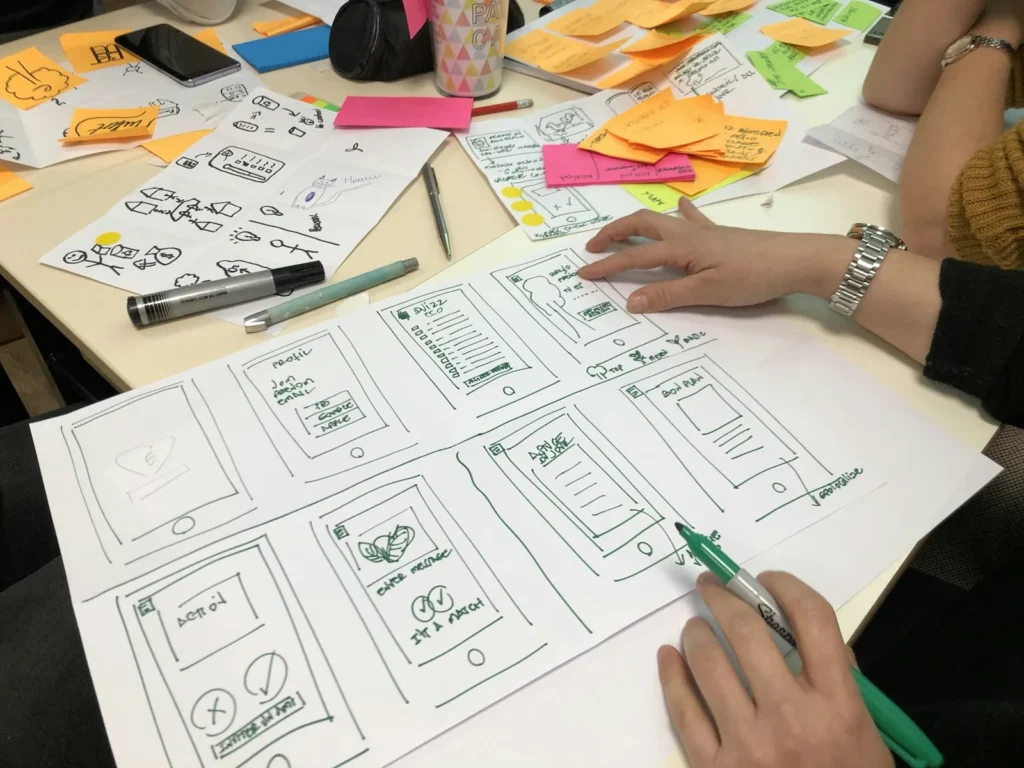
In November 2026 we redesigned our own website: the home page and every service and course page. Here is the process we followed:
- Backups first. We saved full backups and copies of each original page before making changes, so any page could be restored.
- Drafts and approval. Each redesigned page was built as a draft, reviewed, and only then copied into the original page, keeping the same URL and SEO settings.
- Content cleanup. We removed outdated or unverifiable claims and old placeholder content, and rewrote sections to explain services clearly.
- New sections. We added FAQs with schema, comparison tables, process sections and real optimised photos.
- Mobile and speed. Every page was checked at phone width, and images were converted to compressed WebP files.
- Header and on-page SEO. A redesigned sticky header, one H1 per page, and updated titles and meta descriptions.
- Search Console. We cleaned up the sitemap and requested indexing for the redesigned pages.
The key lesson: a redesign is as much about structure, content and SEO as it is about looks.
A typical redesign process
- Audit the current site: traffic, rankings, what works and what does not.
- Plan the new structure and content.
- Design key page templates for desktop and mobile.
- Build on a staging site or drafts.
- Map redirects and carry over SEO settings.
- Test thoroughly.
- Launch, then monitor Search Console and analytics closely.
How to keep redesign costs down

- Reuse content and photos that still work.
- Stay on the same platform if it still suits you.
- Prioritise the pages that bring in enquiries.
- Prepare feedback in one round rather than many small rounds.
Choosing a new platform? Read WordPress vs Wix vs Shopify.
Planning a redesign?
TechPater redesigns websites without losing the rankings you have built, with backups, drafts for approval and SEO-safe launches.
Frequently asked questions
How much does a website redesign cost?
It depends on the number of pages, whether you refresh or rebuild, content, features and SEO migration work. TechPater’s WordPress websites start at $1999 and Shopify stores at $9999.
Will a redesign hurt my Google rankings?
It can if URLs, titles and content are changed without a plan. Keeping URLs, setting up 301 redirects and carrying over SEO settings protects your rankings.
How often should a website be redesigned?
There is no fixed rule. Redesign when the site no longer works well on mobile, looks outdated, is hard to update or is not converting visitors.
Is it cheaper to refresh or rebuild a website?
A refresh on the same platform is usually cheaper. A rebuild makes sense when the platform or structure is holding you back.
How long does a website redesign take?
Small sites can take a few weeks; larger sites with new content, features or a platform change take longer.